6 Checks When an Agent Cannot Find a Playbook in Confluence
Trace a missing agent playbook through direct access, site and space scope, search filters, and archives before escalating.
A support agent cannot find the playbook they need during a case. Start by asking the owner which page is current. The direct link, archive status and exact search terms help you decide who has the next step.12
The short answer
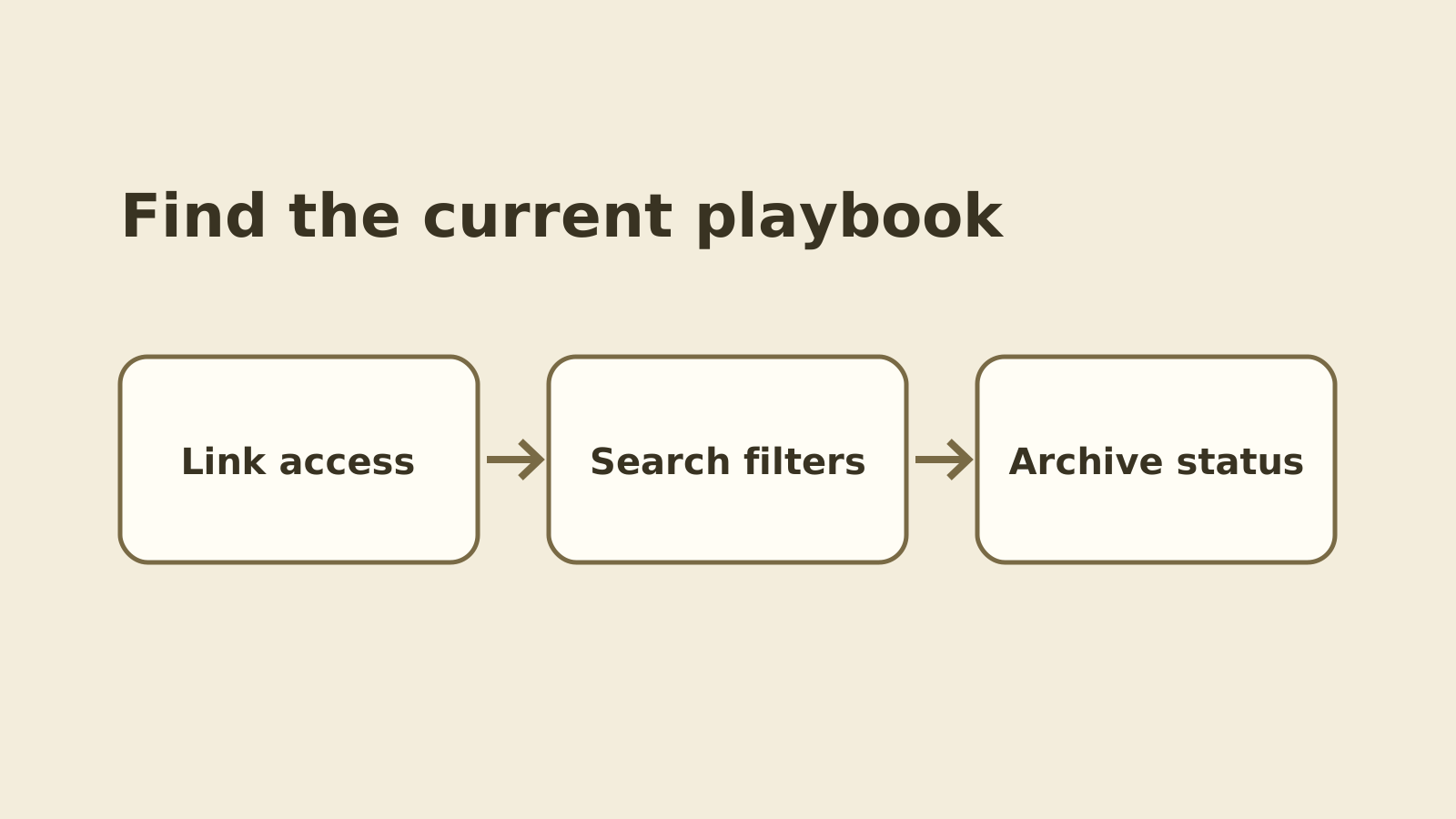
Start with the current playbook link. Confirm that the affected agent can open it, then compare site, space, search terms, filters, and archive status.
1. Start with the current playbook link
- When it helps
- The playbook has moved or several copies use a similar title.
Ask the owner to confirm the page that agents should follow today.
Use your approved team channel to get the canonical page reference and intended audience. Ask the affected agent whether the link opens under their normal account. When access is denied, route it to the page or space owner and record only the access result.2
Review notes
- What to watch
- A direct link settles which page you mean before you compare search results.
2. Check the site and space
- When it helps
- The team has a training space and a live support space with similar page names.
Confirm the agent used the right Confluence site and relevant space.
The Confluence search guide describes filters for narrowing results, including pages under a selected parent. Compare the space and parent on the verified page with the scope used in the agent’s search.1
Review notes
- What to watch
- A narrow search can cut down noise but can also hide a moved page.
3. Try the actual title and the agent’s words
- When it helps
- The agent searched for the issue name but the page has a different title.
Compare a known title phrase with the terms the agent used during the case.
Try a distinctive title phrase, using the documented phrase syntax where helpful. Then repeat the original query. Record whether the page appears in either result and which filters are active.13
Review notes
- What to watch
- A title search is a good control. It does not tell you whether the team’s normal words find the same page.
4. Change one filter at a time
- When it helps
- The page is under a different parent or titles-only is selected.
Remove or adjust the filter most likely to exclude the page, then compare results.
For example, keep the phrase fixed and turn off titles-only before trying another space. If the page appears, save the query and filter difference. Keep the expected title and actual result in the ticket.1
Review notes
- What to watch
- Changing one filter gives you a result the knowledge owner can reproduce.
5. Check whether the owner archived the page
- When it helps
- A direct link works but quick search omits the page.
Confirm the page’s status and ask whether a replacement exists.
Atlassian says quick search excludes archived items, and advanced search offers an option to include them. Ask the content owner which replacement agents should use. Keep the existing access rules in place.2
Review notes
- What to watch
- Advanced search can help confirm the archive. A restored page may be wrong for current support work.
6. Route a repeatable result
- When it helps
- The current page opens, the tested search still misses it, or the owner needs to resolve the page state.
Send the case to the person who owns the first mismatch.
Record the approved page reference, site, space, query, filters, case time and result. Send access or archive decisions to the owner, and send a repeatable search discrepancy to the knowledge or platform team. Keep internal playbook content in the approved system.
Review notes
- What to watch
- An exact, small case is easier to check than a general complaint that search is broken.
Putting it into practice
Close the case with the current playbook and the reason it was hard to find. If the issue persists, pass on the exact search that missed it and what you confirmed about access and archives.
Sources
- Atlassian Support — Search for content
Checked 20 November 2026 · Confluence Cloud search controls, titles-only and pages-under filters.
- Atlassian Support — Archive content items
Checked 20 November 2026 · Quick search exclusion, advanced archived search, direct links and restrictions.
- Atlassian Support — Confluence search syntax
Checked 20 November 2026 · Exact phrase construction and search syntax.
How this guide was researched
Compared current Confluence Cloud documentation on search, syntax and archived pages. Built a diagnostic sequence for a known internal support playbook.
A one-playbook decision sequence with a sample query comparison and clear handoff fields.
Editorial standards